
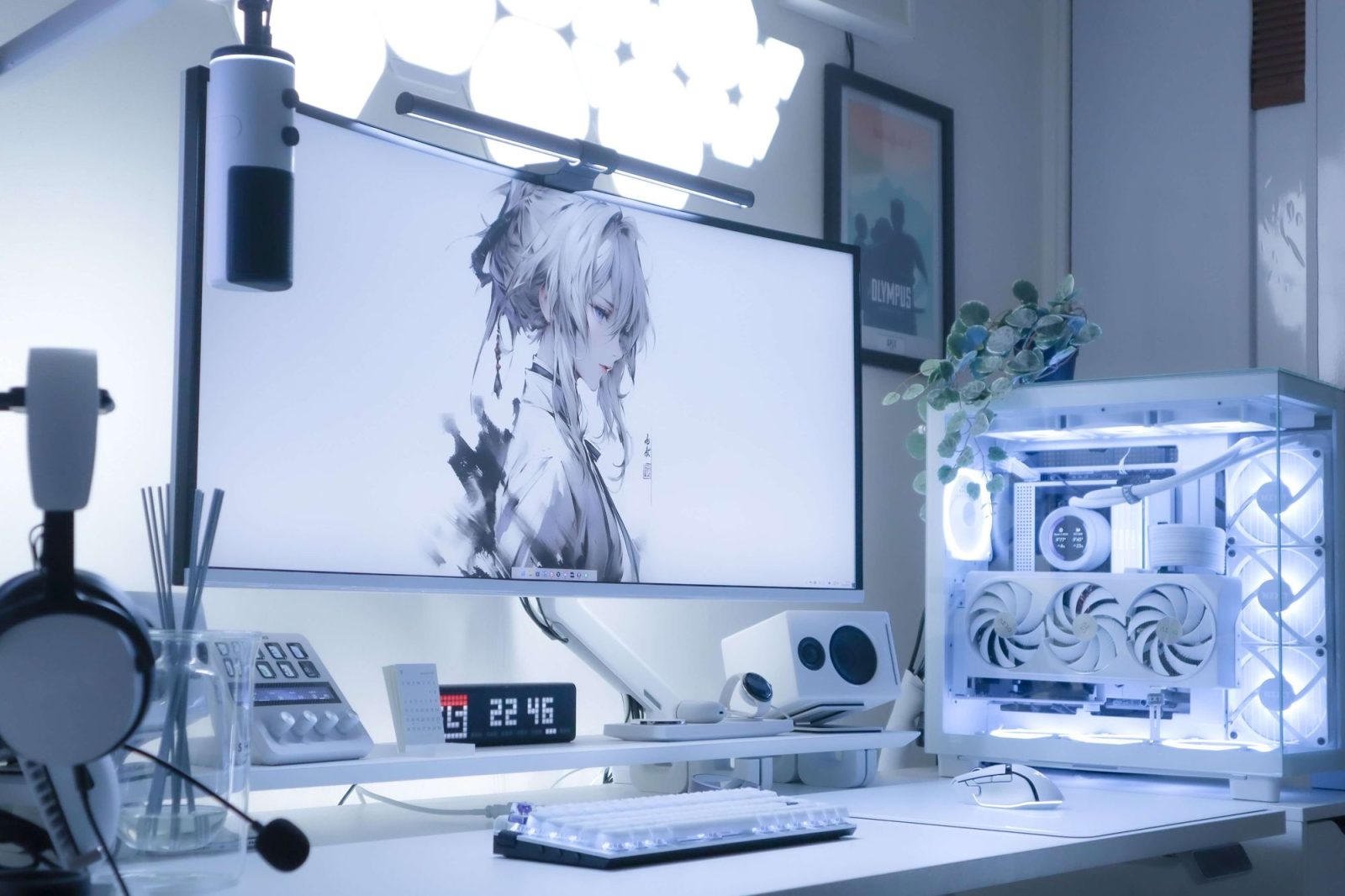
What Is a Computer?
A computer is an electronic device designed to process data, perform calculations, and execute tasks based on a set of instructions called programs. It takes input, processes it according to predefined rules, and produces meaningful output. From basic arithmetic to complex simulations, computers play a critical role in modern life.
At its core, a computer works on the principle of input → process → output, with storage supporting every stage.
Evolution of Computers
Computers have evolved dramatically over time, becoming faster, smaller, and more powerful.
-
Early computers were large, expensive, and limited to basic calculations
-
Modern computers are compact, affordable, and capable of handling advanced tasks like artificial intelligence and data analysis
-
Portable devices now offer computing power comparable to older mainframe systems
This evolution has made computers accessible to individuals, businesses, and institutions worldwide.
Main Components of a Computer
A computer system is made up of both hardware and software, each playing a vital role.
Hardware Components
Hardware refers to the physical parts of a computer that you can see and touch.
-
Central Processing Unit (CPU) – The brain of the computer that performs calculations and controls operations
-
Memory (RAM) – Temporarily stores data for quick access during processing
-
Storage Devices – Hard drives or solid-state drives that store data permanently
-
Input Devices – Keyboard, mouse, scanner, microphone
-
Output Devices – Monitor, printer, speakers
Software Components
Software consists of programs and applications that tell the hardware what to do.
-
System software – Manages hardware and system resources
-
Application software – Helps users perform specific tasks
-
Utility software – Maintains and optimizes system performance
Types of Computers
Computers come in various forms, each designed for specific purposes.
Personal Computers
Designed for individual use, these are the most common type.
-
Desktop computers
-
Laptop computers
-
All-in-one systems
Workstation Computers
High-performance systems used for specialized tasks such as:
-
Engineering design
-
Video editing
-
Scientific research
Servers
Powerful computers that provide data, resources, or services to other computers over a network.
Embedded Computers
Built into other devices to control their functions.
-
Washing machines
-
Cars
-
Medical equipment
Uses of Computers in Daily Life
Computers are deeply integrated into everyday activities across multiple fields.
-
Education – Online learning, research, and virtual classrooms
-
Business – Accounting, communication, data management
-
Healthcare – Patient records, diagnostics, medical imaging
-
Entertainment – Gaming, streaming, music production
-
Communication – Email, video calls, social platforms
Their versatility makes computers indispensable in both personal and professional environments.
Advantages of Computers
Computers offer numerous benefits that enhance efficiency and productivity.
-
High-speed data processing
-
Accuracy and reliability
-
Large storage capacity
-
Automation of repetitive tasks
-
Easy access to information
Limitations of Computers
Despite their advantages, computers also have certain limitations.
-
Dependence on electricity and internet connectivity
-
Lack of independent thinking or emotions
-
Security and privacy risks
-
Potential health issues from prolonged use
Understanding these limitations helps users use computers more responsibly.
Future of Computers
The future of computing focuses on smarter, faster, and more energy-efficient systems. Emerging trends include:
-
Artificial intelligence integration
-
Quantum computing
-
Cloud-based systems
-
Enhanced cybersecurity solutions
These advancements aim to push the boundaries of what computers can achieve.
Frequently Asked Questions (FAQs)
1. What is the primary function of a computer?
The primary function of a computer is to process data and convert it into meaningful information.
2. How is a computer different from a smartphone?
A computer typically offers more processing power, larger storage options, and better multitasking capabilities than a smartphone.
3. Can a computer work without software?
No, without software, hardware cannot perform any useful task.
4. What is the difference between RAM and storage?
RAM stores data temporarily for active tasks, while storage saves data permanently.
5. Are computers harmful to health?
Excessive use can cause eye strain and posture issues, but proper usage minimizes risks.
6. What skills are needed to use a computer effectively?
Basic typing, file management, internet navigation, and software familiarity are essential skills.
7. How long does a computer typically last?
With proper care, a computer can last between five to eight years, depending on usage and maintenance.